The Wishlist
The Wishlist lets you keep an eye on Moments you want without constantly searching the Marketplace. Watched Moments show their current lowest ask and average sale price, right from your account — handy when you're waiting for a price to move, or tracking the last Moment you need for a set.
View your Wishlist: go to Collection and open the Overview tab — your watched Moments live there. You can also view your wishlist from the Marketplace by clicking the Wishlist tab just underneath the search bar.
Add a Moment: on any Moment's page in the Marketplace, hit the bookmark icon (looks like a ribbon) to add it to your Wishlist. Click it again to remove.
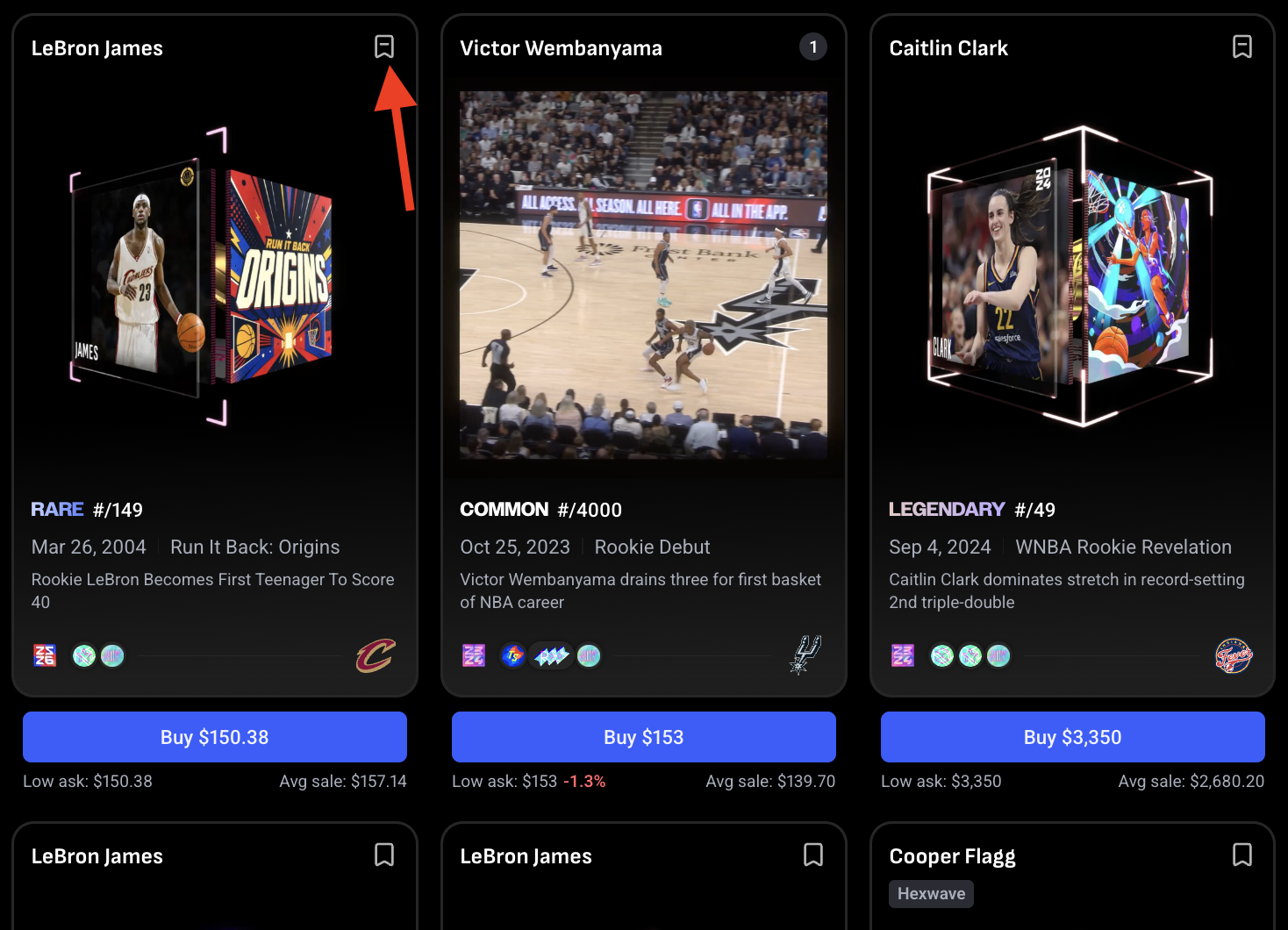
Remove one: click the same icon again, or remove it from your Wishlist in the Overview tab.